
Storing electronics properly takes a bit of planning, but it’s well worth the effort. Aussie weather can be harsh on tech, and sensitive devices don’t handle temperature swings, humidity or dust very well. This guide walks you through the exact steps to keep everything safe – from laptops and TVs to speakers, consoles and even whitegoods.
Things to Know Before Storing Electronics in a Self-Storage Unit
Before you start packing, it’s worth knowing how electronics behave in storage. These quick insights will help you avoid the most common (and costly) mistakes.
1. Electronics don’t handle heat or moisture well
Temperature swings and humidity can warp circuits, damage screens and cause corrosion. A climate-controlled unit isn’t a luxury – it’s the safest choice.
2. Dust causes long-term performance issues
Dust build-up blocks vents and fans, leading to overheating once the device is used again. Clean everything properly before it goes away.
3. Batteries are the biggest hidden risk
Even new batteries can leak if left unused for too long. Remove them all , especially from remotes, cameras and gaming controllers.
4. Original packaging offers the best protection
It’s designed to absorb shock and hold the device securely. If you’ve still got it, use it.
5. Plastic wrapping traps moisture
Wrapping electronics tightly in plastic can lead to condensation and internal damage. Use breathable materials instead.
6. Screens and delicate components need extra support
TVs, monitors, lenses and speaker cones are easily damaged by pressure or poor positioning. They need padding and a stable, non-weightbearing spot.
7. Organisation saves headaches later
Loose cables and unlabeled accessories cause the most frustration when unpacking. A few labels now will save you a lot of time later.
Step 1: Choose the Right Storage Environment
Select a Climate-Controlled Unit
Electronics don’t cope well with extreme heat, cold or humidity. A climate-controlled unit keeps conditions stable (usually 14–27°C), protecting devices from:
- corrosion
- mould and moisture damage
- warped screens
- swollen batteries
This is the safest choice for TVs, computers, monitors, cameras and gaming consoles.
Pick a Clean, Secure Facility
Look for:
- indoor units
- CCTV and gated access
- good ventilation
Cleaner units reduce dust build-up, a common cause of overheating.
Step 2: Prepare Your Electronics Before Storing Them
Clean Your Devices
Dust collects in vents, fans and tiny crevices. Wiping your devices prevents long-term issues like overheating and reduced performance.
Back Up Important Data
Before storing computers, hard drives or tablets, back everything up — just in case.
Remove Batteries
Batteries can leak over time. Remove:
- AA/AAA batteries
- remote batteries
- rechargeable packs
If the device has a built-in battery, turn it off and store it partially charged.
Unplug and Photograph Cables
Take photos before disconnecting anything. This makes setup much easier later.
Step 3: Pack and Protect Your Electronics Properly
Use Original Packaging When Available
Original boxes and foam provide the best fit and protection.
Use Quality Packing Materials If You Don’t Have Originals
You should choose:
- anti-static bubble wrap
- foam sheets
- sturdy moving boxes
- corner protectors for screens
Avoid wrapping electronics tightly in plastic — it traps moisture.
Organise and Label Cords
Bundle cables neatly, label them, and keep them with the device they belong to. Zip-lock bags, Velcro ties and colour-coded labels work well.

Step 4: Arrange Electronics Safely Inside the Storage Unit
Keep Everything Off the Floor
Use pallets or shelving to protect items from moisture, dust and accidental leaks.
Avoid Stacking Heavy Items on Electronics
Screens and delicate devices should never carry weight. Keep them in stable, non-weight-bearing positions.
Allow for Air Circulation
Leave some space around boxes so heat doesn’t build up. Good airflow keeps conditions even.
Position Items Securely
Prevent anything from toppling over, especially around screens or whitegoods.
Step 5: Store Different Types of Electronics Correctly
TVs & Monitors
- Store upright (never flat)
- Use corner protectors
- Keep screens facing a protected surface
Computers & Laptops
- Wrap desktops in anti-static material
- Store laptops in padded sleeves
- Keep accessories in labelled bags
Gaming Consoles
- Protect buttons and ports
- Store upright in their usual orientation
Audio Equipment & Speakers
- Wrap speaker cones carefully
- Ensure grills are secure
- Keep away from magnetic sources
Whitegoods (Fridges & Washing Machines)
Fridges:
- Remove shelves
- Clean and dry thoroughly
- Keep upright
Washing Machines:
- Secure the drum using transport bolts
- Drain all water lines completely

Step 6: Retrieve and Reactivate Your Electronics Safely
Let Devices Acclimatise
When you bring items home, let them reach room temperature before turning them on to prevent condensation damage.
Inspect for Dust or Moisture
Give everything a quick wipe and check ports, vents and screens.
Power Up Gently
Turn devices on and let them run for a bit before reconnecting peripherals or performing intensive tasks.
The Dos and Don’ts of Storing Electronics
Handy Storage Tips to Keep in Mind
- Avoid storing electronics in sealed plastic bags – they trap moisture.
- Never stack screens flat or face-down.
- Use breathable fabric covers or moving blankets to reduce dust.
- Label every box clearly (“Fragile – Electronics”).
- Keep cords with the device they belong to – not all in one box.
- Visit your unit occasionally if storing long-term to check for moisture or pests.
- Allow whitegoods to air out before closing them to prevent mould.
Make Storing Your Electronics Stress-Free with Super Easy Storage
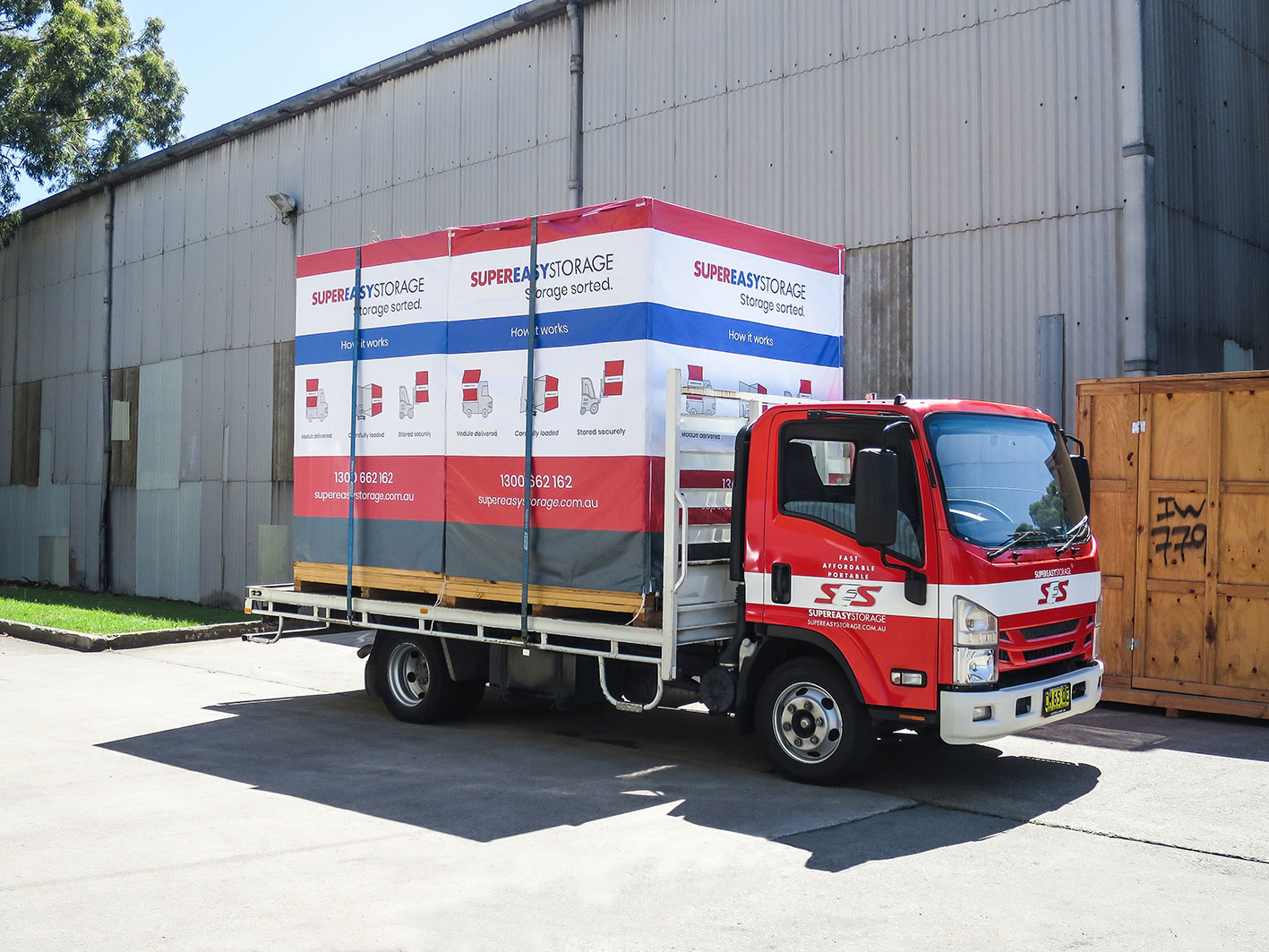
Worried about damage, dust or the hassle of moving your tech to a storage facility? With Super Easy Storage, we bring the storage to you, pack everything by expert movers trained to protect delicate electronics, and transport it safely with no double handling. Our secure warehouses and no lock-in flexibility mean you only pay for what you need – short or long term.
Super Easy Storage take your mobile storage module delivered to your door. Get a quote today!
